GitHub Copilot Evals enters public preview: use /eval to write repeatable tests for your own skills, custom agents and MCP tools
After changing a skill or MCP tool, you can now regression-test whether it got better or worse right inside Copilot. What it does, its engine and how to install it, for teams customizing their coding agents.
// Key points
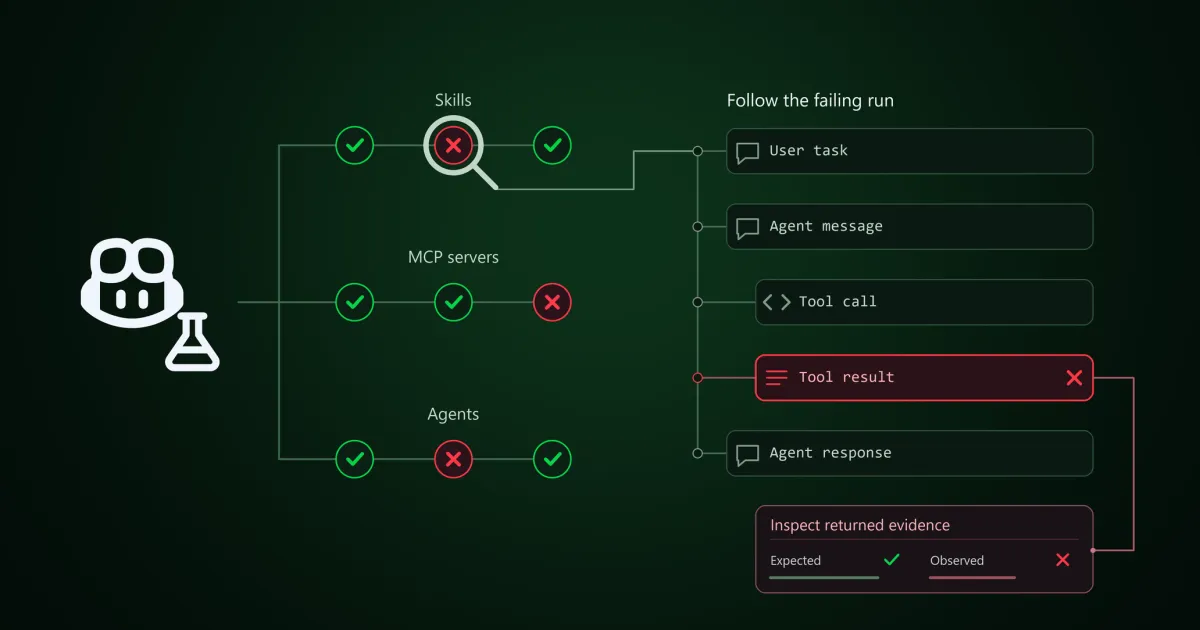
- Ask Copilot in your own words or use the /eval command to create an eval for a skill, custom agent or MCP tool in your project; evals check both the result and how the agent got there.
- You approve each run before it starts, see which checks passed or failed and why, and compare runs from before and after a change.
- The evaluation engine is Vally, an extensible local eval tool.
- Install it as a VS Code extension, a Copilot CLI plugin, or in the Copilot app via the github/evals marketplace; it is in public preview for Copilot Individual, Business and Enterprise.
Builder's takeThis is the one I wanted most. We have written a pile of skills for our coding agents and judge changes mostly by feel, which gets worse every time the model changes. I would write five eval cases for each of our three most-used skills and rerun them on every skill change or model swap, such as today's GPT-6.2 or MAI Code 2, keeping the results on file.
// Background · from #Coding agents
Full timeline →- Nov 18 OpenAI releases GPT-6.2 Astra and GPT-6.2 Sol, with better professional outputs, coding, computer use and efficiency at lower cost
- Nov 18 Microsoft Ignite: MAI Code 2 and Code 2 Flash coding models, MAI Licensed Weights for trusted customers, and over 50 million agents in Agent 365
- Nov 18 Copilot code review adds Adaptive, which picks review effort per pull request by complexity and risk, and can flag exposed secrets during review