Containerization and Orchestration Best Practices for Small Engineering Teams
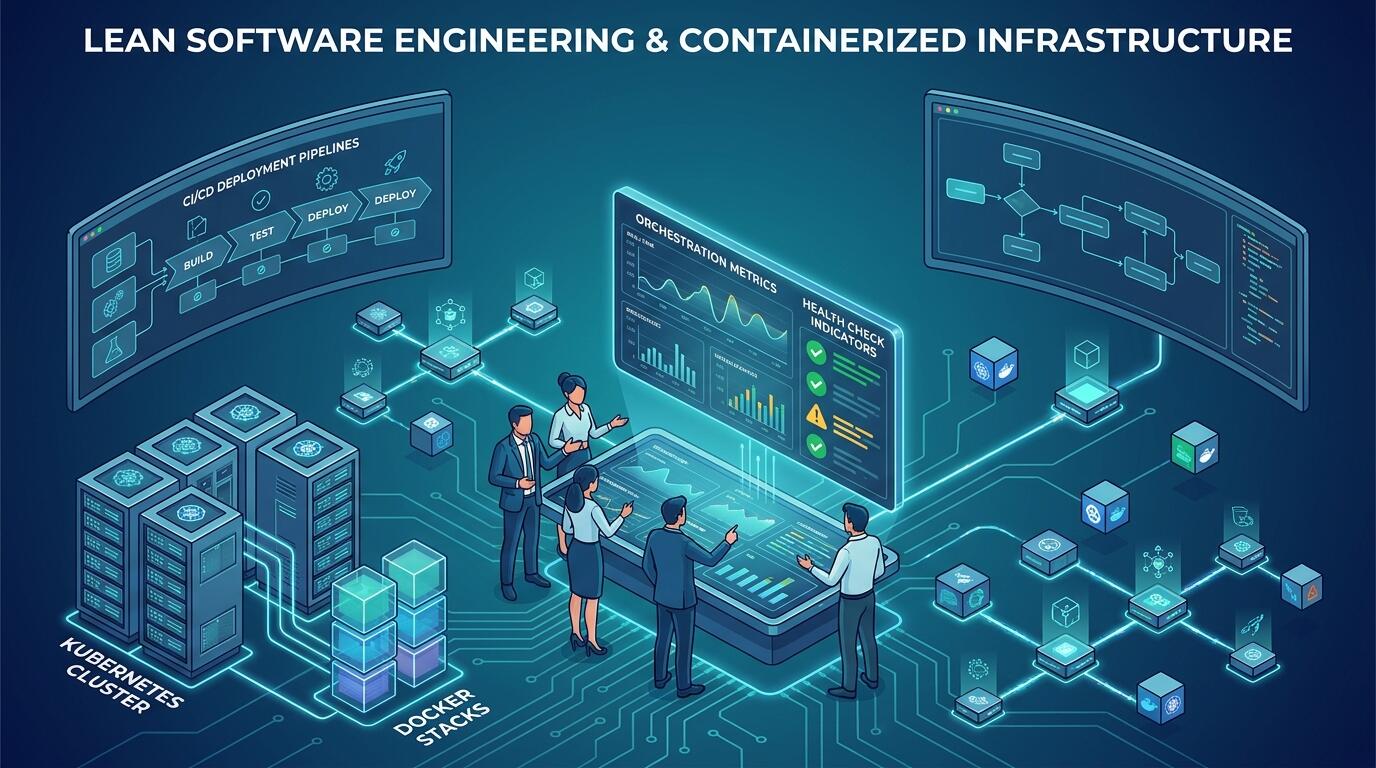
ALT: Container orchestration best practices for small engineering teams managing Kubernetes and Docker deployments
Container and Orchestration Strategies That Actually Work for Lean Engineering Teams
Key Conclusion: Containerization and orchestration best practices for small engineering teams are not simply scaled-down versions of enterprise playbooks — they require deliberate choices about complexity, automation, and operational overhead that match a team's true capacity. This list distills the patterns that consistently move the needle: from choosing the right container runtime and image strategy to selecting an orchestration layer that your team can actually operate in production. Each practice is chosen because it reduces cognitive load, prevents costly drift, and keeps deployment pipelines honest.
The practices below were selected based on patterns observed across engineering engagements where small teams — typically two to eight engineers — were responsible for designing, deploying, and maintaining containerized workloads without a dedicated platform engineering function. The list is deliberately opinionated: not every tool or pattern belongs in a lean team's stack. Use it as a decision framework rather than a checklist, and apply items in the order that matches your team's current maturity level.
The Core Practices: Containerization and Orchestration for Small Teams
Keep Container Images Minimal and Purpose-Built
A container image is a deployment artifact, and like any artifact, its quality directly affects the reliability of what you ship. Small engineering teams frequently underestimate how quickly bloated images accumulate: base images pulled from convenience rather than fitness, build tools left in production layers, and secrets accidentally baked in during development cycles. According to the Software Engineering Institute at Carnegie Mellon University, one of the leading practices when implementing a container strategy is to minimize the attack surface of images — which also has the practical benefit of reducing build times, storage costs, and cold-start latency.
The pattern that works consistently is multi-stage builds. Use a full build image to compile or bundle your application, then copy only the production artifact into a minimal base image — Alpine Linux variants, distroless images, or purpose-built runtimes like python:3.x-slim. Scan every image in CI using a tool like Trivy or Grype before it touches a registry.
- Best for: Teams shipping microservices, APIs, or AI inference endpoints where image portability and security posture matter from day one.
- Watch out: Distroless images remove shell access entirely, which complicates live debugging. Establish a separate debug image variant or rely on ephemeral debug containers rather than compromising your production image to gain shell access.
Treat Your Container Registry as a First-Class Artifact Store
A container registry is not just a place to push images — it is the authoritative source of truth for what runs in production. Small teams often default to Docker Hub for convenience, but lack of access controls, rate limits, and poor audit trails make it a liability as soon as more than one person is pushing images. Purpose-built options like GitHub Container Registry, Amazon ECR, or Google Artifact Registry offer fine-grained IAM policies, vulnerability scanning integrations, and geographic replication without significant operational burden.
Establish a tagging discipline early: semantic versioning for release images, commit SHA tags for traceability, and explicit latest tag policies (preferably: never rely on latest in production manifests). Immutable tags — where a pushed tag cannot be overwritten — are a safeguard that prevents a class of subtle production incidents where a rolling deployment silently pulls a different image than intended.
- Best for: Any team beyond solo development, especially when deployments are automated through CI/CD pipelines.
- Watch out: Unmanaged image retention will silently accumulate storage costs. Implement lifecycle policies to expire old tags automatically — most managed registries support this natively.
Choose Your Orchestration Layer Based on Operational Capacity, Not Hype
Kubernetes is the industry-standard container orchestration platform, and it is genuinely powerful — but operational complexity scales faster than team size. A two-person engineering team that chooses raw Kubernetes on self-managed infrastructure will spend a disproportionate fraction of their time on control plane upgrades, etcd backups, and node lifecycle management instead of building product. The right question is not "should we use Kubernetes?" but "how much of Kubernetes should we operate ourselves?"
Managed Kubernetes services — Amazon EKS, Google GKE, Azure AKS — remove control plane responsibility and reduce the operational surface significantly. For teams that want even less overhead, platforms like Render, Railway, or AWS App Runner abstract the orchestration layer almost entirely while still providing container-native deployments. Per Splunk's container orchestration documentation, the core value of orchestration is automating deployment, scaling, and management of containerized applications — and that value is available at multiple levels of abstraction. Choose the abstraction level that matches the team's operational bandwidth, not the one that looks best on an architecture diagram.
- Best for: Teams in the zero-to-one phase of a product, or teams whose core competency is product and AI, not infrastructure.
- Watch out: Platform abstractions impose limits: custom networking, specialized scheduling, and GPU workloads often require dropping to a lower abstraction. Evaluate these constraints before committing to a platform.
Define Resource Requests and Limits as Non-Negotiable Configuration
Resource requests and limits are among the most consequential configuration decisions in a containerized environment, and they are among the most commonly skipped by small teams under time pressure. A container without resource requests and limits is an undefined citizen in a shared cluster: it may starve neighbors during load spikes, cause OOM kills at unpredictable moments, or trigger cascading pod evictions. These failures are notoriously difficult to diagnose after the fact.
The discipline is straightforward in principle: every container spec must declare resources.requests (the scheduler's placement signal) and resources.limits (the enforced ceiling). Set requests based on measured baseline consumption under typical load, not guesses. Set limits with enough headroom for burst, but tight enough that a runaway process cannot destabilize adjacent workloads. For AI inference workloads — a pattern that comes up frequently in our work with clients building ML-powered products — GPU resource limits deserve the same rigor, using the nvidia.com/gpu resource type in Kubernetes or equivalent constructs in managed platforms.
- Best for: Any team running multi-tenant workloads or shared clusters, including staging environments that co-locate multiple services.
- Watch out: CPU limits in Kubernetes throttle even when cores are idle due to the CFS scheduler's behavior. Over-constraining CPU limits on latency-sensitive services causes subtle performance degradation. Consider setting CPU requests without hard limits in cases where throttling is more harmful than overcommit risk.
Implement Health Checks That Reflect Real Application State
Kubernetes liveness, readiness, and startup probes are mechanisms for communicating actual application health to the orchestrator. In practice, a pattern that consistently creates production incidents is misconfigured or absent probes: services that report ready before they have loaded model weights or warmed caches, liveness probes that restart healthy pods under load, or startup probes configured with timeouts too short for slow-starting processes.
A readiness probe should return success only when the container is genuinely ready to serve traffic — database connections established, warm-up complete, configuration loaded. A liveness probe should confirm the process has not entered a deadlocked or zombie state, but it should not be so aggressive that transient slowdowns trigger unnecessary restarts. Startup probes are particularly valuable for AI and ML services that have legitimately long initialization phases. Treat probe configuration as part of the service contract, reviewed alongside the service's SLA requirements.
- Best for: Any service behind a load balancer or Kubernetes Service, especially AI inference services and services with stateful initialization.
- Watch out: HTTP health endpoints that always return 200 — including when downstream dependencies are unavailable — give Kubernetes false signals. Propagate real dependency health into your readiness endpoint, but be careful not to make liveness dependent on external services, as that causes cascading restarts when a dependency is degraded.
Manage Configuration and Secrets Through the Platform, Not the Image
Configuration management is a discipline that separates mature containerized systems from fragile ones. Baking environment-specific configuration into container images creates images that are environment-specific, not portable — which defeats one of the core value propositions of containerization. Baking secrets into images is a security failure that is difficult to remediate after the fact, because image layers persist in registry history.
The correct pattern is consistent and well-established: configuration belongs in environment variables injected at runtime, or in mounted configuration files sourced from a secret management system. Kubernetes Secrets and ConfigMaps handle the mechanics; tools like HashiCorp Vault, AWS Secrets Manager, or Google Secret Manager handle the security model. In our work with clients whose products handle sensitive user data or AI model credentials, the pattern of externalizing secrets from both the image and the manifest (using a secrets operator or CSI driver) provides the cleanest separation of concerns.
For teams building AI-powered products where prompt templates, model parameters, and API keys need to rotate without redeployment, this separation is especially important. If you are thinking about how early-stage startups should approach AI system design on a lean budget, externalizing model configuration from the container layer is one of the first architectural decisions that pays compounding dividends.
- Best for: Any team operating across multiple environments (dev, staging, production) or managing credentials for external APIs and AI services.
- Watch out: Kubernetes Secrets are base64-encoded by default, not encrypted at rest, unless etcd encryption is explicitly configured. For sensitive credentials, use a dedicated secrets management solution rather than relying on native Kubernetes Secrets alone.
Standardize Your Local Development Environment with Docker Compose
The gap between local development and production is one of the most consistent sources of "works on my machine" incidents in small teams. Docker Compose is a tool for defining and running multi-container Docker applications locally, and it remains the most practical way to give every engineer a reproducible, production-adjacent development environment without requiring a full Kubernetes cluster on their laptop.
Define a docker-compose.yml that mirrors the service topology of your production environment: the application container, its dependencies (databases, caches, message queues), and any sidecar services. Use the same base images and environment variable patterns as production, and mount source code as a volume for hot-reload in development. This discipline means that environment-specific bugs surface locally before reaching CI. For teams building machine learning pipelines, a consistent local environment also means that data preprocessing, model serving, and API layers can be tested together — a practice discussed in depth in the context of building machine learning pipelines that scale past prototype stage.
- Best for: Teams with more than one engineer, or any team where the development environment is shared implicitly through undocumented local setup steps.
- Watch out: Docker Compose does not replicate Kubernetes-specific behaviors: no pod lifecycle management, no resource limits enforcement by default, no service mesh. Use it to validate application logic, not cluster topology.
Automate Deployments Through CI/CD With Explicit Rollback Capability
Manual deployments are a liability in any containerized system, but they are especially dangerous in small teams where institutional knowledge is concentrated in one or two engineers. A deployment should be a repeatable, auditable event triggered by a pipeline, not a sequence of ad hoc kubectl apply or docker run commands executed from someone's terminal.
The minimum viable CI/CD pipeline for a containerized service: build and test on every commit, build and push a tagged image on merge to main, deploy to staging automatically, gate production deployment on a manual approval or automated smoke test. Use Kubernetes rolling updates or blue-green deployment strategies to ensure that a failed deployment can be rolled back without a full outage. GitOps tools like Argo CD or Flux formalize this further by making the Git repository the authoritative deployment state, which is a pattern that scales well as team size and service count grow.
- Best for: Any team shipping to production more than once per week, or any team where the cost of a deployment failure is material to the business.
- Watch out: Rollback capability is only useful if it is tested. Untested rollback procedures fail under the pressure of a live incident. Include rollback verification in your deployment runbooks and test it in staging periodically.
Monitor Container Workloads With Metrics, Logs, and Distributed Traces
Observability is the operational foundation that makes everything else sustainable. A containerized workload without structured logs, metrics, and traces is a black box — and black boxes are expensive to debug at two in the morning. For small teams, the key constraint is choosing an observability stack that delivers enough signal without requiring a dedicated platform team to maintain it.
The current state of managed observability is favorable for small teams: Prometheus and Grafana via managed services, Datadog, New Relic, and cloud-native options like AWS CloudWatch Container Insights or Google Cloud Monitoring all offer reasonable paths to container-level visibility. Structure logs as JSON, emit metrics in Prometheus format from your application, and instrument critical code paths with distributed tracing using OpenTelemetry — an open standard for observability instrumentation maintained by the Cloud Native Computing Foundation. According to Domo's analysis of container orchestration tools, observability integration is consistently cited as a differentiating factor in evaluating orchestration platforms for production use.
- Best for: Any team that has shipped to production and needs to operate it reliably, regardless of team size or cluster complexity.
- Watch out: Alert fatigue is a real failure mode. Start with a small set of high-signal alerts — pod crash loops, memory pressure, error rate spikes — and expand deliberately. A noisy alerting setup is quickly ignored, which is worse than no alerting at all.
Quick Comparison at a Glance
| Practice | Best For | Key Strength | Limitation |
|---|---|---|---|
| Minimal, purpose-built images | Security-conscious teams shipping microservices | Reduced attack surface, faster cold starts | Debugging without a shell requires alternative tooling |
| Managed container registry | Teams with CI/CD pipelines and multiple engineers | Access control, vulnerability scanning, audit trails | Lifecycle policy management adds operational overhead |
| Right-sized orchestration layer | Zero-to-one products and lean teams | Matches complexity to team capacity | Platform abstractions limit advanced workload customization |
| Resource requests and limits | Multi-service clusters and shared environments | Prevents noisy-neighbor failures and OOM cascades | Misconfigured CPU limits cause throttling on latency-sensitive services |
| Real application health checks | Services behind load balancers, AI inference endpoints | Reduces false-positive restarts, improves traffic routing | Poorly designed probes can cause cascading restarts under dependency failure |
| Externalized secrets and config | Teams managing multiple environments or AI API credentials | Security isolation, config rotation without redeployment | Native Kubernetes Secrets require additional encryption configuration |
| Docker Compose for local dev | Multi-engineer teams, ML pipeline development | Reproducible, production-adjacent local environments | Does not replicate Kubernetes lifecycle or resource management behavior |
| Automated CI/CD with rollback | Teams deploying frequently to production | Auditable, repeatable, reversible deployments | Rollback procedures fail if they are not regularly tested |
| Structured observability | Any team operating containerized workloads in production | High-signal operational visibility across metrics, logs, traces | Poorly scoped alerting leads to alert fatigue and ignored signals |
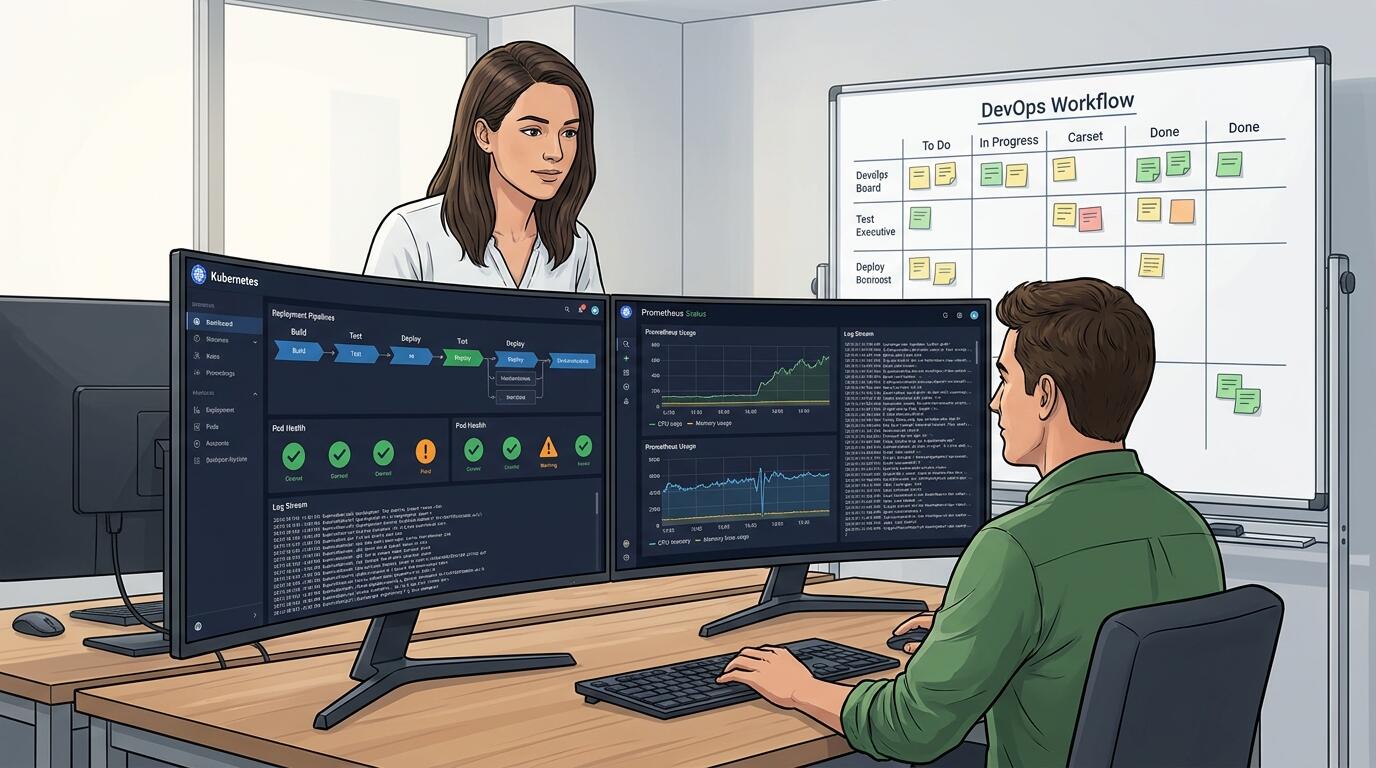
ALT: Small engineering team reviewing a Kubernetes container orchestration dashboard for best practices in deployment pipeline management and observability
How to Choose the Right Practices for Your Team's Current Stage
Selecting which practices to implement first depends on where your team is in its operational maturity, not on what the ecosystem considers best-in-class at any given moment. A common misconception is that containerization and orchestration best practices form a single unified stack that must be adopted wholesale — in reality, each practice addresses a distinct failure mode, and adopting them incrementally is both practical and appropriate.
If your team is pre-production or in the prototype phase, prioritize image discipline, local development standardization with Docker Compose, and externalized configuration. These three practices eliminate the largest class of early-stage environment bugs and lay a clean foundation for everything that follows.
If you are in early production with a small user base, add CI/CD automation with rollback capability and a managed orchestration layer appropriate for your traffic patterns. Managed Kubernetes or a platform-level abstraction will serve most teams better than self-managed clusters until you have a clear reason to drop to lower-level infrastructure control.
If you are operating a stable production workload and adding complexity — new services, AI inference endpoints, more engineers — the practices that pay the most in this phase are resource governance (requests and limits), robust health check configuration, and structured observability. These are the practices that prevent incidents from cascading and make on-call rotations survivable.
A misconception worth addressing directly: many small teams assume that Kubernetes is synonymous with container orchestration, and that adopting Kubernetes means managing it at the infrastructure level. This is not true. Managed Kubernetes services, GitOps tooling, and platform abstractions mean that a two-person team can benefit from Kubernetes' scheduling and deployment semantics without operating the control plane. Match the abstraction level to your team's actual operational capacity.
Common Questions
Q1: How do small engineering teams handle secrets rotation in containerized environments without downtime?
Secrets rotation without downtime requires that secrets be externalized from the container image and injected at runtime through a secrets management system. Tools like HashiCorp Vault, AWS Secrets Manager, and Google Secret Manager support dynamic secrets and rotation policies. In Kubernetes, the CSI Secrets Store driver can mount secrets as volumes and refresh them on rotation. Applications must be designed to handle configuration refreshes — either through graceful restarts triggered by the orchestrator or through live configuration reloading at the application level.
Q2: Is Kubernetes always the right orchestration choice for a small team shipping an AI-powered product?
Kubernetes is not always the right choice for small teams, particularly in early product stages. For AI-powered products, the orchestration layer should match operational capacity: managed platforms like AWS App Runner, Google Cloud Run, or Render can handle containerized AI inference services with significantly less operational overhead than self-managed or even managed Kubernetes. Kubernetes becomes the right choice when workload complexity — custom scheduling, GPU resource management, multi-service coordination — exceeds what platform abstractions can accommodate.
Q3: How long does it typically take a small team to establish a production-ready container and orchestration setup?
The timeline depends heavily on prior infrastructure experience and tooling choices. Teams adopting a managed Kubernetes service or platform abstraction with a GitOps deployment model can reach a production-ready baseline — image pipeline, CI/CD, health checks, basic observability — in a matter of weeks rather than months. The investment accelerates over time: foundational infrastructure decisions made well early in a project pay compounding returns as service count and deployment frequency increase.
Wrapping Up
Containerization and orchestration best practices for small engineering teams reduce to three core principles: minimize operational complexity relative to team capacity, enforce discipline at the artifact and configuration layer before worrying about cluster topology, and instrument everything that runs in production from the first deployment.
The practices in this list are not theoretical — they reflect the operational patterns that consistently distinguish teams that ship reliably from teams that spend their sprints fighting deployment incidents. Image discipline and externalized configuration prevent an entire class of environment and security issues. Right-sized orchestration keeps the team focused on the product rather than the platform. Structured observability means that when something does go wrong, the team can diagnose and remediate quickly.
The next step is an honest assessment of your team's current container maturity: which of these practices are in place, which are gaps, and which gaps are actively costing you time in production. Start with the foundational practices — image strategy, local dev standardization, secrets management — before layering in orchestration complexity. Build the infrastructure that matches where your product is today, with clear visibility into the upgrade path as complexity grows.
Ready to take your architecture from concept to production with confidence? Whether you are designing containerized AI workloads, scaling a distributed system, or navigating the orchestration landscape for the first time, explore technical insights and real shipped projects at the Darius website — and reach out if you need hands-on engineering leadership to bring your build to life.
Sources & Citations
- Carnegie Mellon University Software Engineering Institute. "11 Leading Practices When Implementing a Container Strategy".
https://www.sei.cmu.edu/blog/11-leading-practices-when-implementing-a-container-strategy/ - Splunk. "Container Orchestration: A Beginner's Guide".
https://www.splunk.com/en_us/blog/learn/container-orchestration.html - Domo. "10 Container Orchestration Tools for 2026 (Compared)".
https://www.domo.com/learn/article/container-orchestration-platforms - Cloud Native Computing Foundation. OpenTelemetry — Open Standard for Observability Instrumentation.
https://www.cncf.io/ - National Institute of Standards and Technology (NIST). Application Container Security Guide (NIST Special Publication 800-190).
https://www.nist.gov/
Note: Standards and platform documentation may be updated; please check the latest official documents or consult professional advisors for current recommendations.