How to Use AI Coding Assistants Without Letting Them Slow You Down
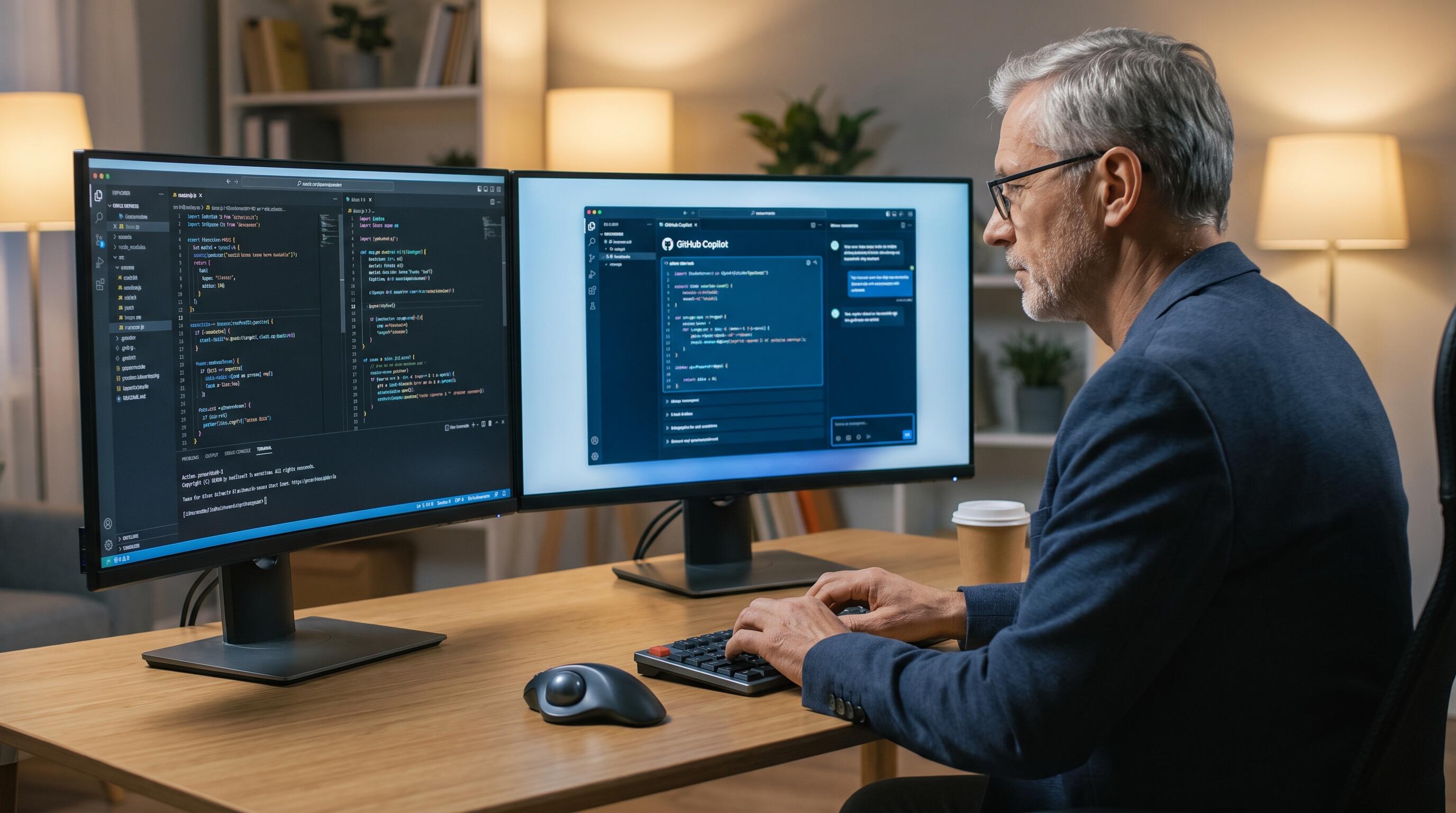
ALT: Engineer using AI coding assistant for full-stack development with productivity-focused engineering leadership strategy
AI Coding Assistants Are Powerful — Until They Aren't
Key Conclusion: AI coding assistants have fundamentally changed the pace at which modern software teams can operate. But without deliberate integration into your ai architecture, thoughtful guardrails aligned with engineering leadership priorities, and a clear mental model of where AI helps versus hurts, these tools can quietly erode the very productivity they promise. The teams that win are those who treat AI as a force multiplier for full-stack development — not a replacement for engineering judgment.
The promise is real. AI coding assistants like GitHub Copilot, Cursor, and ChatGPT can dramatically reduce time spent on boilerplate, surface relevant patterns faster, and help engineers stay in flow during complex implementations. But there's a catch that most teams discover only after the honeymoon period: the same tools that save you hours can cost you days if used without discipline.
The problem isn't the technology. It's the workflow. Engineers who integrate AI assistants without a deliberate strategy often find themselves context-switching more, accepting suggestions they don't fully understand, and debugging AI-generated code they can't own. This article addresses exactly that gap — not whether to use AI coding assistants, but how to use them in a way that compounds your velocity rather than undermining it.
Who This Guide Is For
✅ Applicable Scenarios:
- Senior engineers and tech leads who are already using AI coding tools but feel their productivity gains have plateaued or reversed
- CTOs and engineering managers evaluating how to roll out AI tooling across their teams at scale
- Startup founders with technical backgrounds who are building or overseeing full-stack development and want to ship faster without accumulating technical debt
- Engineering teams implementing AI implementation for existing product teams who need to maintain code quality standards
❌ Not Applicable/Cautions:
- Developers who are brand new to programming — AI assistants can mask foundational knowledge gaps that compound into serious problems at scale
- Teams working in highly regulated environments (healthcare, finance, defense) where AI-generated code requires additional compliance review before this guide's recommendations can be safely applied without further adaptation
Why AI Coding Assistants Create as Many Problems as They Solve
The adoption curve for AI coding tools has been steep. According to GitHub's own research, developers using Copilot complete tasks measurably faster in controlled studies. But anecdotal reports from engineering teams in production tell a more nuanced story: AI-generated code often passes the eye test, fails in edge cases, and introduces subtle architectural inconsistencies that accumulate over time.
This tension is rooted in how these tools work. Large language models generate code based on statistical patterns across massive training corpora. They are extraordinarily good at producing plausible-looking code. They are not reasoning about your specific system's constraints, your domain model, or the implicit contracts between your services. That distinction matters enormously when you're building production systems where correctness, scalability, and maintainability are non-negotiable.
There's also a cognitive load dimension that rarely gets discussed. When an AI assistant generates a 40-line function in two seconds, an engineer faces a decision: read and understand every line, or accept and move on. In practice, under deadline pressure, many engineers do the latter. Over time, this creates a codebase full of code that no one fully owns — a subtle but serious problem for any team serious about long-term velocity.
The best practices for AI architecture in production systems consistently emphasize that AI tools should accelerate human decision-making, not replace it. That principle applies just as much to AI coding assistants as it does to AI-powered features in your product. The teams that get the most out of these tools are those that treat them as highly capable junior contributors who need clear direction, careful review, and deliberate integration into an existing engineering culture.
How to Use AI Coding Assistants Without Slowing Your Team Down
The Three-Step Framework for Productive AI-Assisted Development
Step 1: Establish the Prompt Contract Before You Write a Single Line
Before engaging your AI assistant on any non-trivial task, spend two to three minutes defining what you're asking it to produce and what constraints apply. This means specifying the expected input/output behavior, any dependencies it should or shouldn't use, the target abstraction level, and the style conventions of your codebase. This "prompt contract" approach reduces the back-and-forth iteration cycle significantly and produces output that's far more likely to integrate cleanly into your existing architecture.
Step 2: Review AI Output as You Would Review a Pull Request
Treat every block of AI-generated code as a pull request from a contributor who is technically capable but unfamiliar with your system's deeper context. This means reading the code critically, checking for hidden assumptions, verifying edge case handling, and ensuring the generated logic aligns with your data model and service contracts. This review posture isn't about distrust — it's about maintaining the engineering ownership that keeps your codebase coherent as it scales.
Step 3: Capture and Institutionalize What Works
When a particular prompting pattern produces excellent results for your stack, document it. Create a shared team library of prompt templates for your most common development tasks — API endpoint scaffolding, database query construction, test case generation, error handling patterns. This transforms individual AI productivity wins into team-wide velocity gains and ensures that your AI tooling strategy becomes a durable competitive advantage rather than a collection of individual habits.
Comparing AI Coding Assistant Approaches: Autocomplete vs. Chat vs. Agentic
There are meaningfully different ways to integrate AI into your development workflow, and choosing the right mode for the right task is one of the most underrated productivity decisions a team can make.
| Comparison Dimension | Autocomplete Mode | Chat/Inline Mode | Agentic Mode |
|---|---|---|---|
| Best use case | Boilerplate, repetitive patterns, known APIs | Refactoring, explanation, targeted problem-solving | Multi-file tasks, scaffolding, test generation |
| Speed of output | Near-instant | Fast (seconds to a minute) | Slower (minutes) |
| Review burden | Low per suggestion, high in aggregate | Medium | High — requires architectural understanding |
| Risk of drift | High — subtle inconsistencies accumulate | Medium | High — changes can cascade across files |
| Ideal team experience level | Mid-to-senior engineers | All levels with guidance | Senior engineers with strong codebase context |
| Integration with code review | Difficult to trace | Moderate | Should be treated as full PR review |
The key insight from this comparison is that agentic AI modes — where the assistant takes multi-step actions across your codebase — require the most oversight and are best reserved for engineers who can evaluate the output against the full architecture. For teams designing scalable AI architectures, this maps directly to a broader principle: the more autonomous the AI component, the more deliberate the human oversight framework needs to be.
Practical Strategies for Maximizing Signal, Minimizing Noise
Anchor AI to Your Architecture, Not the Other Way Around
One of the most common mistakes teams make is allowing AI-generated code to gradually reshape their architecture. This happens when engineers accept suggestions that introduce new abstractions, dependencies, or patterns that weren't intentional decisions. Over time, the codebase starts reflecting the AI model's training distribution rather than the team's deliberate design choices.
The countermeasure is straightforward but requires discipline: before using an AI assistant on any architectural boundary — a new service, a data model change, an API contract — write the interface yourself. Let the AI fill in the implementation details, not the structural decisions. This keeps your engineering leadership vision intact while still capturing the productivity benefits of AI-assisted implementation.
Use AI to Accelerate Testing, Not Skip It
One of the highest-leverage uses of AI coding assistants in a full-stack development context is test generation. AI tools are remarkably good at generating comprehensive test cases, including edge cases that developers might overlook under time pressure. Teams that use AI assistants primarily for test generation — rather than feature implementation — often see the best risk-adjusted productivity gains.
This approach also creates a virtuous cycle: better test coverage means AI-generated implementation code is caught faster when it misbehaves, which means the overall quality of AI-assisted development improves over time.
Establish Team-Wide Norms, Not Individual Preferences
The question of how to use AI coding assistants productively isn't just a personal productivity question — it's an engineering culture question. When every engineer on a team uses AI tools differently, you get inconsistent code quality, unpredictable review cycles, and a codebase with multiple competing style philosophies.
For teams building AI-powered products or scaling their engineering organizations, this is particularly acute. The best product development services for startups and growth-stage companies consistently emphasize that technical consistency is a multiplier for velocity. A shared AI usage policy — covering which tools are approved, what review standards apply to AI-generated code, and how AI output should be documented in commit messages — turns individual tool usage into a coordinated team capability.
Context Window Management Is a Core Skill
AI coding assistants perform best when they have sufficient context about your codebase, but their context windows are finite. Engineers who learn to curate context effectively — providing relevant interfaces, type definitions, and architectural notes rather than dumping entire files — consistently get better results than those who don't.
This is a skill that compounds. As you develop intuition for what context an AI needs to produce high-quality output, you also develop clearer thinking about your own system's structure. Many experienced engineers report that the discipline of curating context for AI assistants has made them better at explaining their systems to human collaborators as well.
Know When to Put the Tool Down
This is perhaps the most important strategic point. There are categories of work where AI coding assistants consistently underperform and where reaching for them costs more than it saves. These include: novel algorithm design where the solution space isn't well-represented in training data, security-critical code where subtle vulnerabilities can hide in plausible-looking implementations, and performance optimization work where domain-specific context dominates.
For a team with strong ai architecture expertise, these are often the highest-value engineering activities. Defaulting to AI tooling on these tasks not only produces suboptimal results — it also atrophies the deep technical skills that differentiate your team in the long run.

ALT: Engineering leadership team reviewing AI coding assistant output during full-stack development sprint with code quality focus
Advanced Considerations for Engineering Leaders
Scaling AI Tool Usage Across Teams
Recommended team size for product development departments varies widely, but the challenge of scaling AI tool adoption is consistent: what works for a three-person startup engineering team breaks down at twenty engineers without intentional coordination. As teams grow, the surface area for AI-generated inconsistency expands, and the cost of resolving it compounds.
Engineering leaders rolling out AI tooling at scale should invest in three things: a centralized prompt library maintained as a first-class engineering artifact, a code review checklist that explicitly addresses AI-generated code, and periodic retrospectives focused specifically on AI tool effectiveness rather than general sprint velocity.
The Misconception That AI Reduces the Need for Architecture
This is worth addressing directly because it surfaces frequently in conversations with founders and early-stage engineering leaders. AI coding assistants are implementation accelerators, not architecture substitutes. The decisions that determine whether a system scales gracefully, remains maintainable over years, and can evolve to meet changing product requirements — those decisions still require deep human expertise in systems design.
In fact, the argument runs in the opposite direction: as AI accelerates implementation speed, the relative value of architectural thinking increases. The bottleneck shifts upstream. Teams that invest in strong upfront architecture and use AI to accelerate execution outperform teams that use AI to skip architectural thinking almost without exception.
AI-Generated Code and Security Posture
One area where engineering leaders consistently underestimate risk is security. AI models trained on public code repositories have seen enormous volumes of vulnerable code alongside secure code, and they don't reliably distinguish between the two. Code review processes that don't explicitly include security review of AI-generated output are accepting more risk than most teams realize.
Frequently Asked Questions FAQ
Q1: How should existing product teams approach AI implementation without disrupting their current workflow?
Start with a contained pilot: identify a subset of low-risk, high-repetition work — test generation, documentation, boilerplate scaffolding — and introduce AI tooling there first. Establish review norms before expanding scope. The key is building team confidence and shared vocabulary around AI tool usage before applying it to critical path features. AI implementation for existing product teams works best as a gradual capability build rather than a wholesale workflow change.
Q2: Are AI coding assistants suitable for designing scalable AI architectures in production systems?
AI assistants can be useful references for surfacing architectural patterns and generating implementation scaffolding, but they should not be trusted to make architectural decisions for production systems. Scalable AI architecture design requires deep understanding of your specific performance requirements, data characteristics, and organizational constraints — context that no general-purpose AI tool possesses. Use AI to accelerate research and implementation, but keep architectural decision-making with your most experienced engineers.
Q3: What is the actual productivity impact of AI coding assistants over time, and does it hold up in complex codebases?
The productivity impact is real but highly variable. In controlled studies on isolated tasks, productivity gains are consistently positive. In complex, long-running codebases with high coupling and domain complexity, the gains are more modest and come with meaningful quality risks if review discipline isn't maintained. Teams that track their AI tool ROI honestly — including time spent reviewing and fixing AI-generated code — typically find that the net gain is significant but smaller than initial estimates. The investment in good workflow practices described in this article is what preserves and extends that gain over time.
Summary
AI coding assistants are among the most powerful leverage tools available to modern engineering teams — but leverage cuts both ways. The three core principles that determine whether these tools compound your velocity or undermine it are:
First, anchor AI output to your existing architectural decisions rather than letting AI drift reshape your system's structure over time. Your intentional design choices are an asset worth protecting.
Second, treat AI-generated code as you would any external contribution — with critical review, ownership, and integration into your team's quality standards. The review posture is not optional; it's the mechanism by which AI assistance becomes sustainable.
Third, invest in team-wide norms and shared tooling practices rather than optimizing for individual productivity. AI coding assistants become a genuine competitive advantage when their usage patterns are coordinated, documented, and continuously improved at the team level.
The teams shipping the most reliable, scalable products right now aren't the ones using AI tools the most — they're the ones using them the most deliberately.
Take the Next Step
If you're looking to turn your next big idea into a live, production-ready product, Darius brings the end-to-end expertise in AI architecture, systems design, and full-stack development to make it happen. Explore real shipped projects, technical insights, and engineering strategies at https://www.darius.wiki. Whether you're a founder, engineer, or tech leader, Darius is ready to help you build smarter and ship faster.
References
- GitHub. "GitHub Copilot Research: Quantifying GitHub Copilot's Impact on Developer Productivity and Happiness".
https://github.blog/2022-09-07-research-quantifying-github-copilots-impact-on-developer-productivity-and-happiness/ - McKinsey & Company. "The economic potential of generative AI: The next productivity frontier".
https://www.mckinsey.com/capabilities/mckinsey-digital/our-insights/the-economic-potential-of-generative-ai-the-next-productivity-frontier - OWASP Foundation. "OWASP Top Ten Security Risks".
https://owasp.org/www-project-top-ten/ - MIT CSAIL. "Do Large Language Models generate secure code? An empirical study".
https://arxiv.org/abs/2302.09280 - ACM Queue. "Software Engineering at Google: Lessons Learned from Programming Over Time".
https://queue.acm.org/detail.cfm?id=3454124
Note: Standards may be updated, please check the latest official documents or consult professional advisors.
About the Author
Darius is an Engineering Director and AI Architect specializing in transforming ideas into live, running products — with proven experience across AI architecture, systems design, and full-stack development, backed by 3 shipped live projects. Learn more at darius.wiki.
© Darius. All rights reserved. The content in this article is intended for informational purposes only and reflects the author's professional opinions and experiences. Nothing herein constitutes formal engineering, legal, or business advice. Reproduction or redistribution of this content without explicit permission is prohibited.